
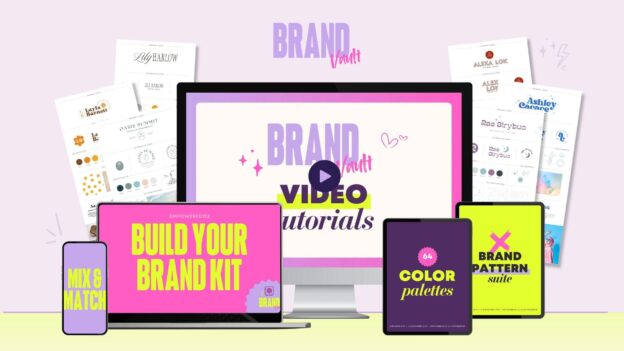
BONUS: Build Your Canva Brand Kit
This bonus lesson shows you how to turn everything you’ve created into a Canva Brand Kit, so your brand is always saved, organized, and ready to use.
Instead of re-uploading logos, hunting for colors, or guessing which fonts to use, your Brand Kit keeps everything in one place.
In this lesson, you’ll learn:
- How to upload your logos into Canva’s Brand Kit
- How to save your brand colors so they’re always one click away
- How to add and manage your fonts inside Canva
- How to keep your brand consistent across everything you create
This step is optional, but highly recommended if you plan to create content regularly.
Once your Brand Kit is set up, using your brand becomes faster, easier, and way less mentally draining.
Think of this as the final step that turns your brand from “done” into effortless.